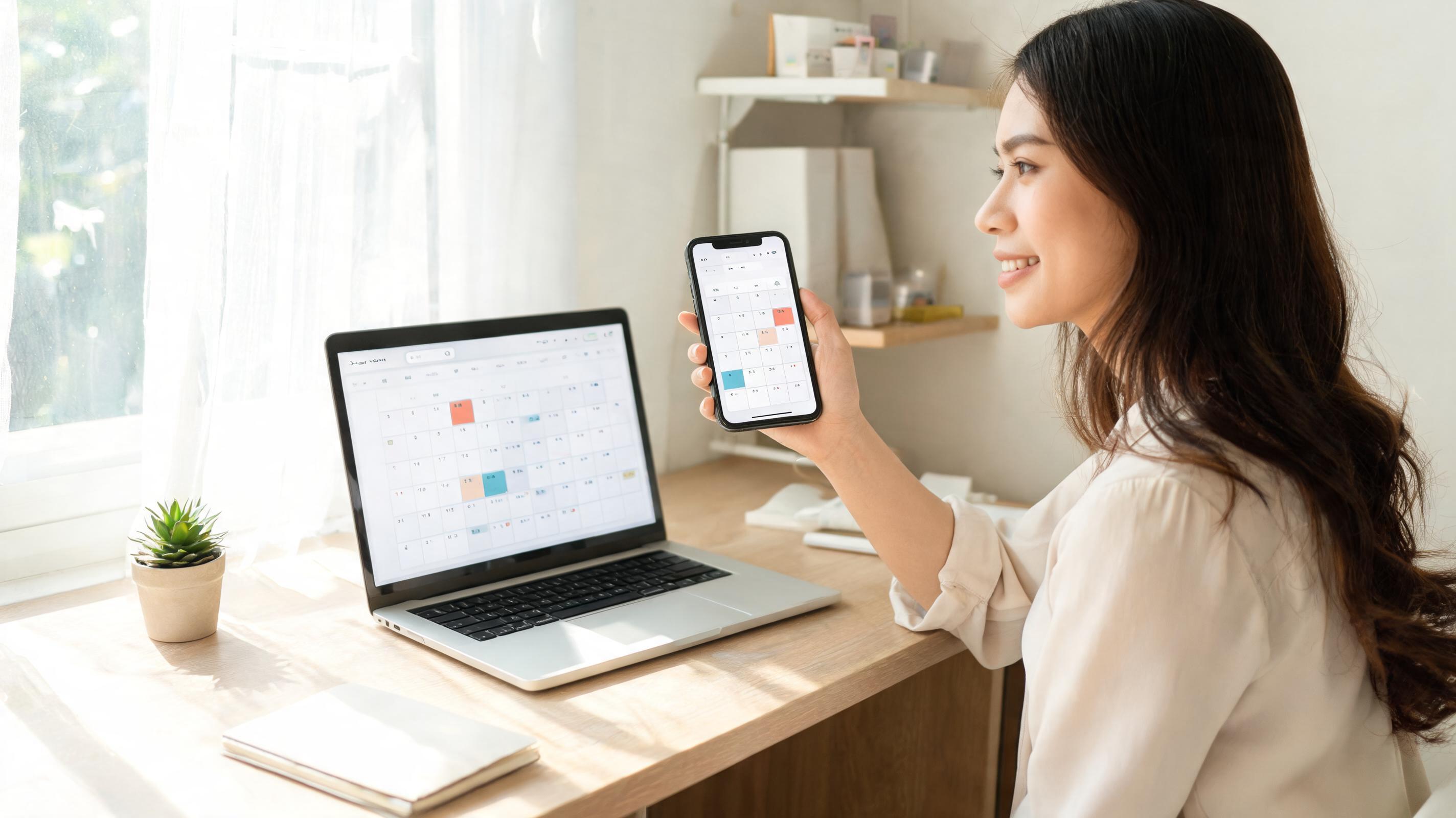
The phone rings, you have a client on the line, but you can’t pick up. When you do, you’re scrambling through a notebook for an answer like “Are you free tomorrow afternoon?”. On the appointment day, some clients don’t show up and the slot goes unused. This scenario, familiar to any service‑based business, is largely solved with an online appointment system. In this article we explain which features a booking software must have, how to cut down no‑show clients, and how to set up the system in a single day.
What is an online appointment system?
An online appointment system consists of a reservation page where your customers can view available slots and book appointments, and a calendar you use to manage those bookings. The client selects the service, staff member and time; the appointment is added to your calendar and confirmations and reminders are sent to both parties. You no longer juggle phone calls, and the client doesn’t have to wait for business hours.
Hair salons and beauty studios, clinics, veterinarians, auto repair shops, consultants, courses and gyms are the businesses that use these systems the most. Their common factor is that they sell time: every empty hour is lost revenue.
Why phone and paper aren’t enough?
- A large share of appointments are requested outside business hours. When the client remembers the need in the evening they can’t call; they may forget the next day or go to a competitor.
- Phone calls interrupt the service. Every call that comes while you are cutting hair or examining a patient stops the work.
- Reminders are done manually or not at all. The most common reason for a no‑show is simply forgetting.
- Double bookings and gaps occur. Multiple staff calendars get mixed in a single notebook.
Essential features of a good booking software
Customer‑facing reservation page
Ask only the necessary information: name, phone and service. Long forms cause clients to abandon the booking. You should be able to place the page link on your Instagram profile, Google Business Profile and WhatsApp messages.
Availability by staff, room and service
Each service has a different duration; a 20‑minute procedure and a 2‑hour one don’t fit into the same gap. The system must consider staff working hours, leaves and, if needed, resources like rooms or equipment, showing the client only truly available slots.
SMS and WhatsApp reminders
Reminders sent a day before and a few hours prior are the most effective way to lower no‑show rates. Include a cancellation or reschedule link so the client can free the slot for someone else.
Deposits and pre‑payment
For long or expensive services, securing the appointment with a small deposit is a strong deterrent. Accepting the deposit online during booking, instead of exchanging IBAN details and waiting for a receipt, saves a lot of work.
Embeddable booking widget
If you have a website, letting visitors book without being redirected boosts conversion. A small booking widget added to your site makes this possible.
Link to customer history
When a booking is linked to a customer record, you can see past services, notes and payments when the client returns. Using a separate booking app with a separate client list means duplicating the same data.
5 ways to reduce no‑shows
- Send a two‑stage reminder: 24 hours before and 2–3 hours prior.
- Offer easy cancellation and rescheduling: a client who can’t attend releases the slot instead of disappearing.
- Collect a deposit for long services: a paying client takes the appointment seriously.
- Maintain a waiting list: notify the next person when a slot is cancelled.
- Flag repeat no‑shows: add a note to the client card and require a deposit for their future bookings.
Example: six empty hours per week
Imagine a beauty salon that handles 120 appointments weekly. If 8 % of bookings are missed, roughly 10 appointments—about 45‑minute services—are wasted, totaling 7–8 hours per week. Halving that rate with reminders and deposits recovers close to 4 hours weekly, which equals almost two full workdays for one employee per month.
Set up an online appointment system in one day
| Step | What to do | Time |
|---|---|---|
| Services | Enter each service’s name, duration and price | 30 min |
| Team | Define staff, their working hours and the services they provide | 30 min |
| Rules | Set earliest/latest booking times, cancellation policy, deposit | 15 min |
| Reminders | Customize SMS or WhatsApp templates | 15 min |
| Publish | Add the reservation link to Instagram, Google and your website | 30 min |
Appointment and reservation with CoSuite
CoSuite’s appointment and reservation module calculates availability by staff, room and service; customers book via the online reservation page and receive SMS or WhatsApp reminders. You can also embed the booking widget on your site.
Appointments are linked to the same customer record as other CoSuite modules. For deposits and pre‑payments you can add the online collection module, to gather customer messages in one screen use the unified inbox, and to request post‑service Google reviews add the business profile and reviews module.
For ready‑made packages by industry, check the beauty salon and hairdresser, clinic and health, automotive service and gym solutions.
Frequently Asked Questions
Is an online appointment system expensive for a small business?
The monthly cost is usually less than the revenue lost from one or two empty appointments. Because reminders cut no‑shows, the system often pays for itself in the first month. Current prices are on the pricing page.
Do my clients have to download an app?
No. The reservation page opens in the phone’s browser; the client simply taps the link to book.
Can I add phone‑taken appointments to the same calendar?
Yes. You can manually add appointments taken by phone or in person to the same calendar, preventing conflicts with online bookings.
Does asking for a deposit scare customers away?
For short, cheap services a deposit may be unnecessary. For long, expensive or frequently cancelled services, a small deposit is acceptable to most clients and noticeably reduces no‑shows.
Conclusion
An online appointment system gives back the time spent on phone calls, opens bookings beyond business hours and cuts idle slots with reminders. Start by defining your services and team, then place the reservation link wherever your customers can find you.
Try CoSuite free for 14 days; no credit‑card required.